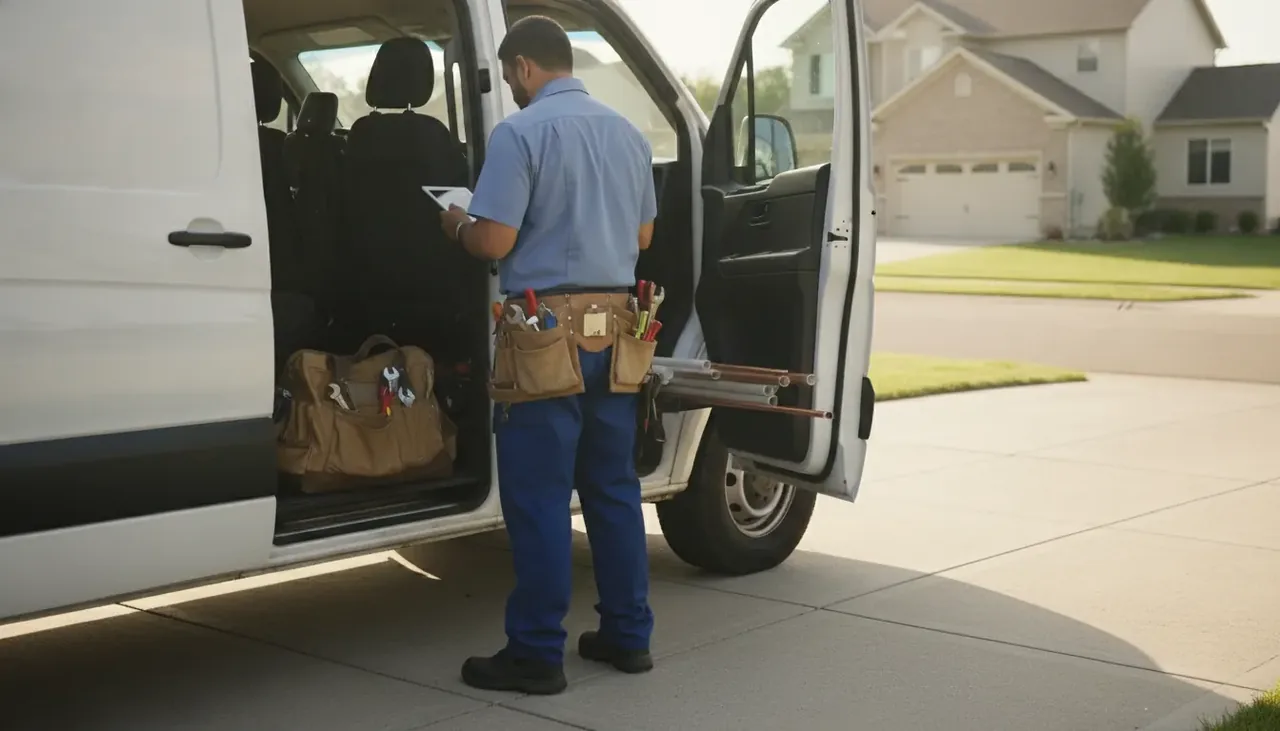
We ran the five tools plumbers actually buy through the same week of work — quotes, dispatch, invoicing, getting paid — and ranked them by crew size, not by who paid us the most.
By the TradeStack Review editorial teamPricing checked Oct 2026
Plumbing is half scheduled service, half emergencies, so we score how fast a dispatcher can get the nearest tech moving and how a tech takes payment before leaving the driveway.
How this page is funded: some links here are affiliate links — if you start a trial or subscribe through them, the vendor pays us a referral fee. It costs you nothing extra and does not move anyone up the list. The order comes from testing, not payouts. Full disclosure.
The verdict
Most plumbing shops under 15 techs should buy Jobber. It's the easiest to get running in a weekend, the customer-facing side is the cleanest, and the price stays predictable. Pick Housecall Pro if you book a lot of homeowner work online; pick Workiz if your shop lives on inbound calls.
Starting price is the vendor's published monthly rate for the entry plan, checked Oct 2026. "Quote only" means the vendor won't show a price without a sales call.
The picks, in order
1. JobberBest overall
Buy it if: you run 1–15 Plumbing techs and want to be live by Monday without a sales call.
Jobber does the boring stuff right. Quotes go out from the truck, the customer approves on their phone, the job lands on the calendar, the invoice follows the job, and the card gets charged. The customer-facing side — the booking link, the "on my way" text, the review request — is the cleanest of the five.
Where it falls short: call tracking is a paid add-on, and past 15 techs you're into custom pricing like everyone else.
What we liked
Self-serve signup, live the same day
Cleanest customer booking and texts
Published pricing up to 15 techs
What we didn't
Call tracking costs extra
Reporting is thin past basic job profit
Custom quote over 15 techs
2. Housecall ProBest for online booking
Buy it if: homeowners find you on Google and you want them booking without picking up the phone.
Housecall Pro is built around the homeowner's first touch. Online booking syncs to Google, review requests and email campaigns are included rather than upsold, and consumer financing sits right in checkout. It's the only one here that publishes per-user pricing well past a tiny crew.
The trade-off: the dispatch board is busier than Jobber's and the add-on list gets long.
What we liked
Booking, reviews and campaigns included
Financing built into checkout
Public per-user pricing as you grow
What we didn't
Busier dispatch board
Long list of paid add-ons
US & Canada only
3. WorkizBest for call-heavy shops
Buy it if: the phone is your business and you need to know which ad made it ring.
Workiz is the phone-first option. Native call tracking ties each incoming number to the job and the ad that produced it — something the other two only do through add-ons. The catch is you can't see a price without a sales call, and the phone features are their own paid tier.
What matters for plumbing
Plumbing is half scheduled service, half emergencies. That puts a premium on dispatching the nearest tech fast and taking payment on site before you leave. All three top picks handle on-site card payment; Jobber and Housecall Pro both do the "on my way" text that cuts no-shows. If a big share of your work is emergency calls off Google and paid ads, Workiz's call tracking earns its keep. For new-construction or repipe bid work, look harder at FieldPulse's estimating.
How to choose by crew size
Plumbing shops outgrow software in predictable steps. Match the plan to the trucks you run now, and check what the next tier costs before you commit.
Solo plumber
Jobber Core at $49/mo is the published single-user price and gets you quotes, scheduling, invoicing and card payment from the truck. Housecall Pro Basic at $79/mo costs more but includes online booking that syncs to Google, which matters if homeowners find you there. If you are not ready to pay monthly, read software for a one-person shop first.
2–5 trucks
Jobber Connect starts at $139/mo and covers you up to 15 users; Housecall Pro Essentials is $189/mo for up to 5. At this size the dispatch board and the "on my way" text are doing real work, and the two tools differ most on how busy that board feels. Jobber vs Housecall Pro walks through it.
6–15 trucks
Jobber Grow at $199/mo still carries you to 15 techs on a published price. Housecall Pro Max is $329/mo for up to 8, then per-user beyond that. If emergency calls off paid ads are a big share of the week, Workiz's built-in call tracking is worth the sales call; Jobber vs Workiz covers the trade.
15+ trucks
Past 15 techs everyone goes to custom pricing, and ServiceTitan starts to make sense if you have office staff to run it and weeks to set it up. Compare it against staying self-serve in Housecall Pro vs ServiceTitan.
What it costs in year one
These are the published prices on this page multiplied out to twelve months. They do not include card processing, the paid call-tracking add-on on Jobber and Housecall Pro, or any other add-ons. Both offer a 14-day free trial, so a first year is really eleven and a half months of billing.
Plan
Published monthly
Year one
Jobber Core (1 user)
$49/mo
$588
Jobber Connect (to 15)
from $139/mo
from $1,668
Jobber Grow (to 15)
from $199/mo
from $2,388
Housecall Pro Basic (1 user)
$79/mo
$948
Housecall Pro Essentials (to 5)
$189/mo
$2,268
Housecall Pro Max (to 8)
$329/mo
$3,948
Workiz, FieldPulse, ServiceTitan
Quote required
Quote required
"From" prices are the vendor's published starting rate for that tier, checked Oct 2026. For the fees that never appear on a pricing page, see what field service software really costs.
Features that matter for plumbing
Fast dispatch for emergency calls
A burst pipe does not wait for Monday. The tool has to let a dispatcher see who is closest and free, move the job in a couple of taps, and have the tech see it on their phone immediately. All three top picks do this; we count the taps.
On-site card payment
Plumbing invoices get paid in the driveway or they get chased for weeks. Jobber, Housecall Pro and Workiz all take a card on site from the tech's phone, so the invoice follows the job and the money follows the invoice.
Call tracking for ad-driven emergency work
If you spend on Google Ads for emergency plumbing, you need to know which campaign made the phone ring. Workiz builds that in as a paid tier; Jobber and Housecall Pro sell it as an add-on.
Estimating for repipes and new construction
Service plumbing needs quick quotes a homeowner can approve on their phone, which Jobber handles well. Bid work such as repipes and new construction rewards deeper estimating, and that is where FieldPulse earns a look despite the onboarding call. FieldPulse vs Jobber covers the gap.
How we tested
Same week of work in every tool — quotes, dispatch, reschedules, invoices and two chargebacks — scored on setup time, taps to close a job from the truck, what the customer sees, and whether the vendor shows a price without a sales call. Pricing re-checked monthly. How we make money.
Plumbing software questions
What is the best software for a small plumbing company?
For most plumbing shops under 15 techs, Jobber. It is live the same day with no sales call, the customer-facing side is the cleanest and the price is published from $49/mo. Housecall Pro is the pick if homeowners book you online; Workiz if the shop runs on inbound calls.
How much does plumbing software cost?
The published entry prices on this page are Jobber Core at $49/mo and Housecall Pro Basic at $79/mo. Multi-user plans run from $139/mo (Jobber Connect) and $189/mo (Housecall Pro Essentials). Workiz, FieldPulse and ServiceTitan only quote after a sales call. Add-ons such as call tracking cost extra.
Jobber or Housecall Pro for plumbers?
Jobber if you want the cleanest booking and texting for your customers and published pricing up to 15 techs. Housecall Pro if online booking, review requests, email campaigns and consumer financing matter more than a tidy dispatch board. Our head-to-head goes deeper.
Do I need call tracking?
Only if you pay for ads. Call tracking ties each incoming number to the ad that produced it, which is how you stop guessing which campaigns book jobs. If your work comes from referrals and repeat customers, skip it. Workiz builds it in; Jobber and Housecall Pro charge extra for it.
Is there a free option for a one-truck plumber?
Not among the five here, though Jobber and Housecall Pro both offer 14-day free trials. For what you can genuinely run without a seat fee, and where free tools stop being enough, read best free and cheap contractor software.
Not sure which one to pick?
For most shops under 15 techs our top overall pick is Jobber — fastest to set up, cleanest customer experience, pricing you can see without a sales call.